
When dealing with Android applications that handle highly sensitive information, it is crucial to ensure that the application does not store data in memory for longer than necessary. This is to prevent potential security breaches, as attackers may exploit memory dumps to access sensitive information. In this guide, we will explore the process of dumping an Android application’s memory using Fridump, an open-source memory dumping tool that utilizes Frida.
Prerequisites:
Before diving into the memory dumping process, make sure to install Frida and Frida tools. Open your terminal and execute the following commands:
pip3 install frida-tools
pip3 install Frida
As with other Frida-based attacks, it is crucial to run the Frida server on your emulator. Download the Frida-server from the following URL and execute it in the /tmp directory of your emulator.
Frida-server: https://github.com/frida/frida/releases?ref=hackernoon.com
After downloading the Frida server, we need to push it to our emulator.
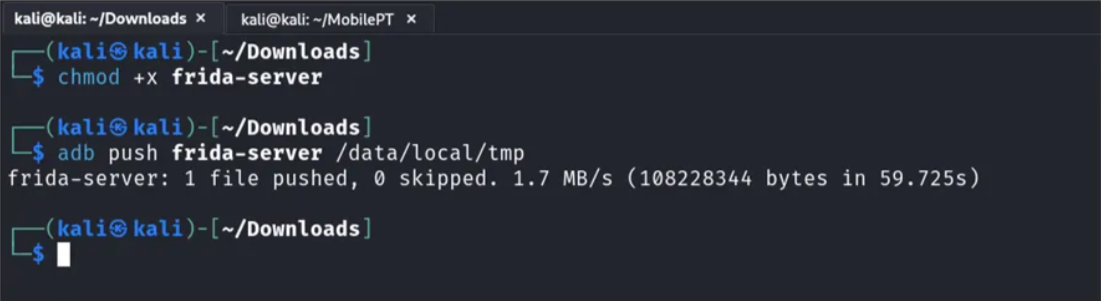
Now, launch the emulator shell with the adb tool, and run the Frida server.
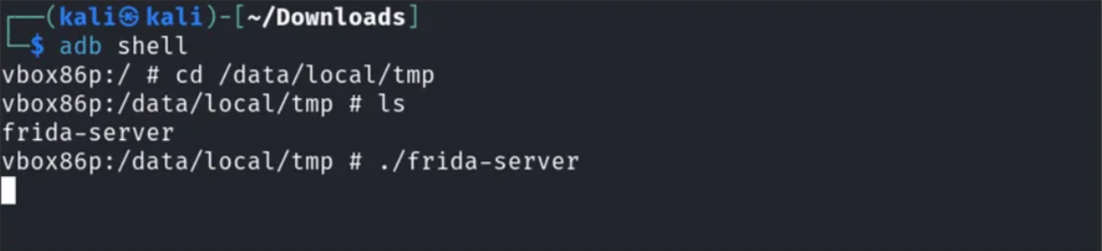
Once everything is done, Obtain the package name using the following command:
frida-ps -U
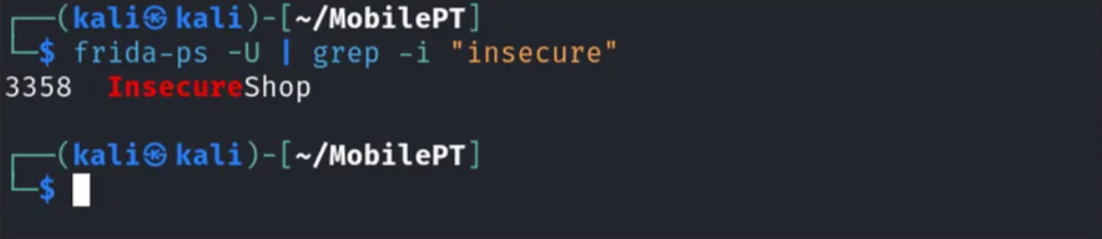
NOTE: If we want to dump the memory of a specific application, we first need to run the application and make sure the sensitive information is put on memory.
After getting the package name, let’s run Fridump.
Python3 fridump.py -U -s <packageName>
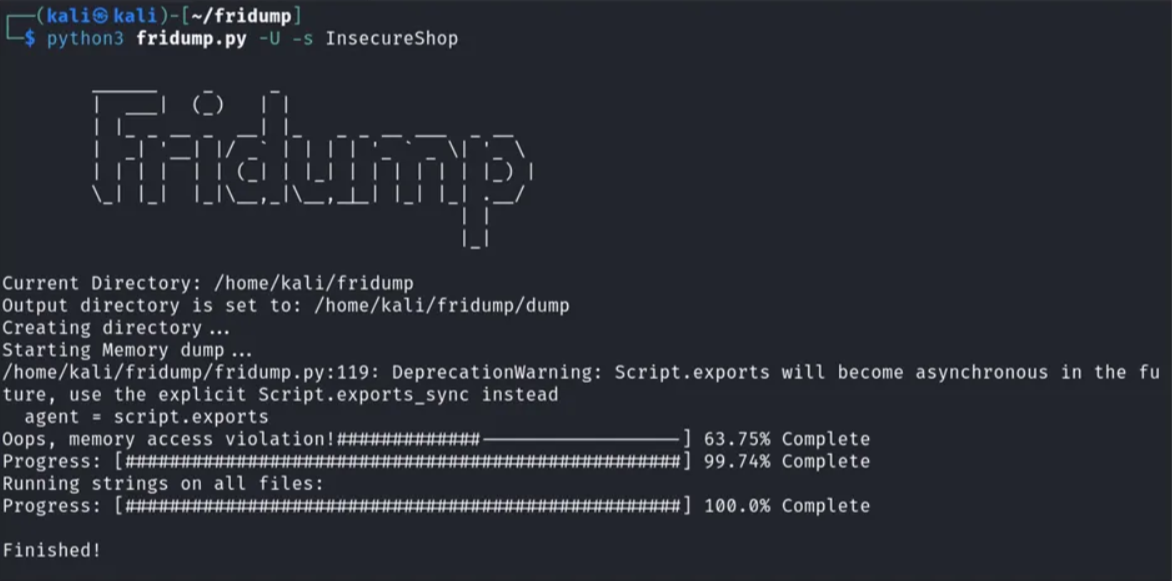
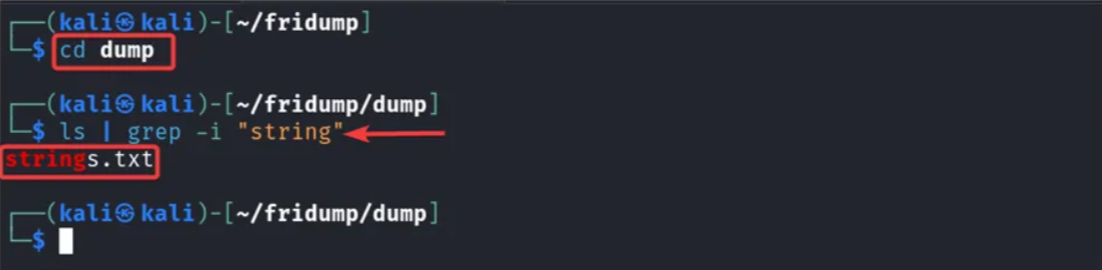
This will create a folder in the current directory called dump and a file named strings.txt which contains all the memory strings,
And that’s it for now. I hope this is helpful.
Happy Pentesting..!